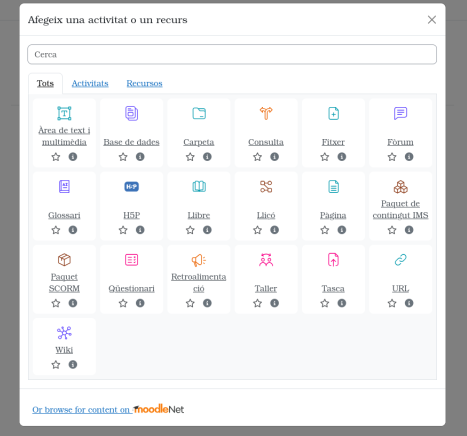
Once we are inside click on the + symbol to add a test, which in this case will be a Quizzes
We will open a page with many options i choose the option «Quiz».
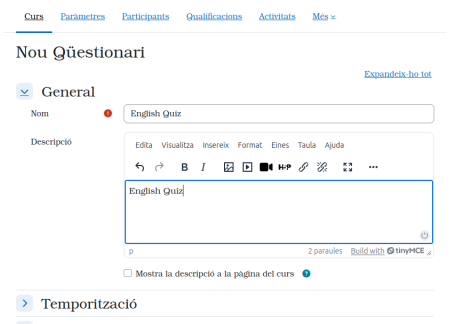
Once we have the Quiz created the first step is to configure it, you must put Name i Description of the Quiz, there are other parameters that are optional.
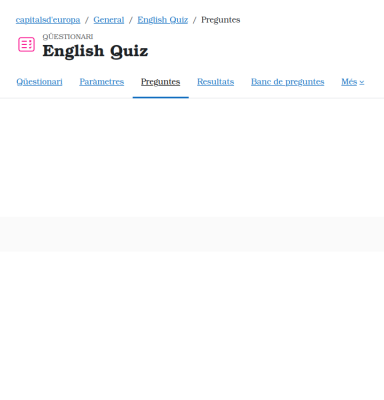
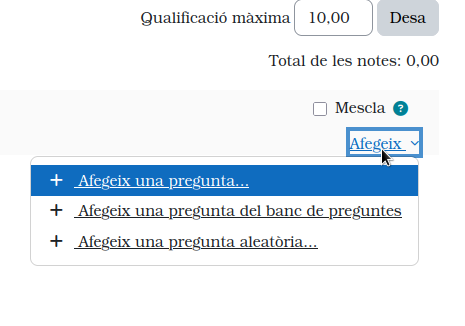
The next step is to add questions and answers. To add them we click on «Add» and then «Add question».
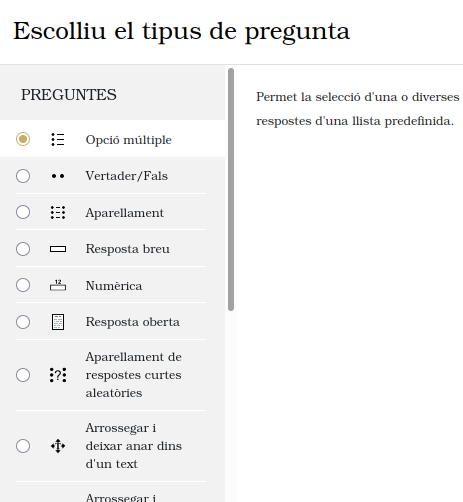
We will have to choose the type of Quiz that we want, in my case of multiple option
Once the question is created we will have to name it i a text obligatorily
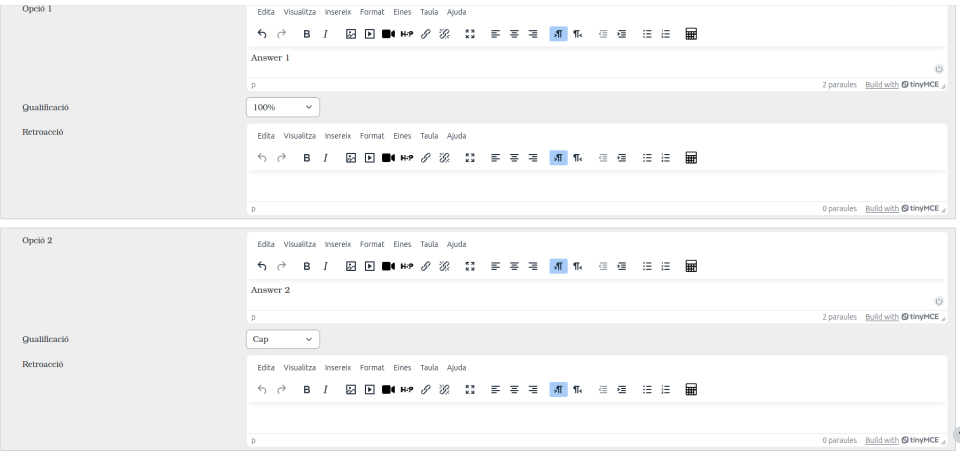
As you can see you have to put the answers, and in the correct one put 100%.